




-
TL;DR: In a record-breaking operation, a Ukrainian drone traveled over 1,800 km to successfully strike a Russian radar station in Orsk. The target, Voronezh-M radar, is crucial for Russia’s defense. This event marks a pivotal shift in military tactics, emphasizing the role of technology in contemporary conflicts.
Ukrainian Drone Sets Record in Strike Against Russian Radar
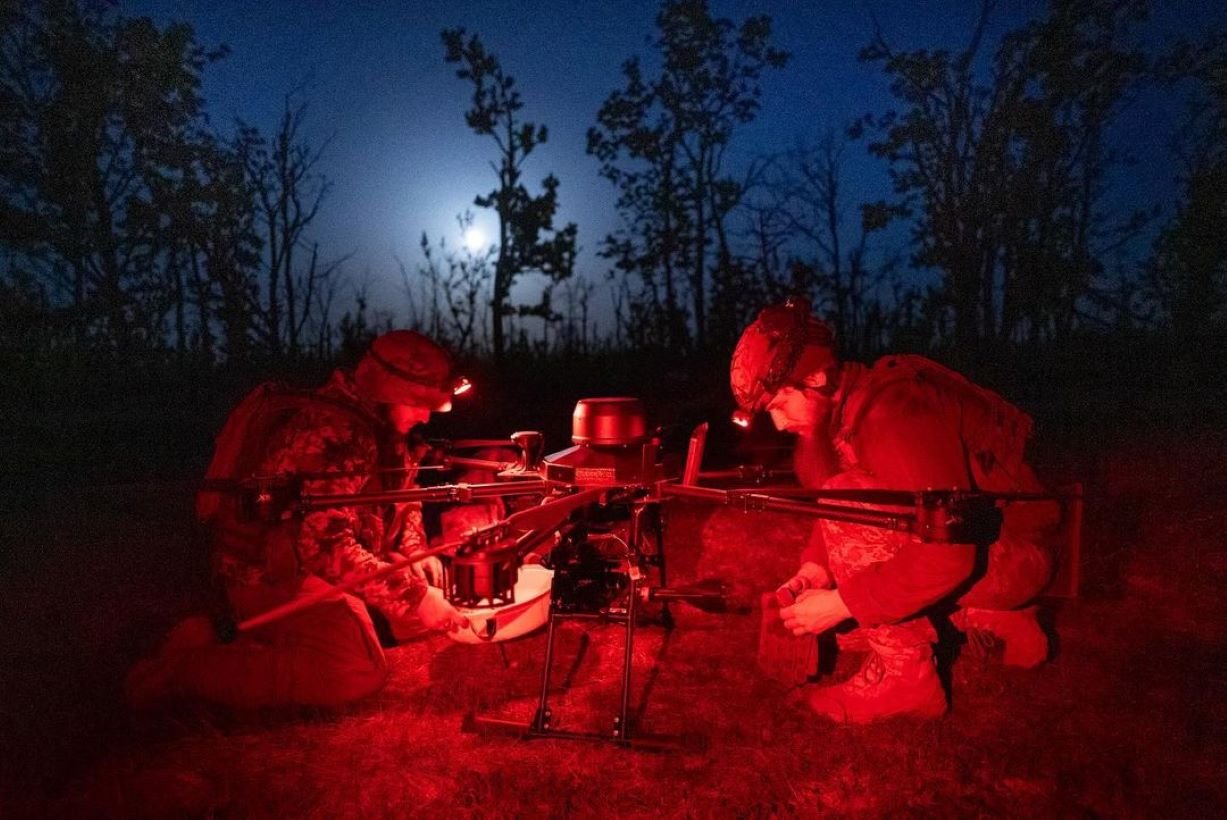
In a daring operation, Ukraine's intelligence forces have achieved a new milestone in unmanned aerial warfare. A Ukrainian drone traveled over 1,800 kilometers to strike a radar station in Orsk, located in Russia's Orenburg region. This feat sets a new record for the longest distance covered by kamikaze drones in combat.
Strategic Target: Voronezh-M Radar System
The target of this unprecedented attack was the Voronezh-M radar system, a key component of Russia's early-warning surveillance network. The system, which entered service in 2017, is designed to detect strategic weapons such as intercontinental ballistic and cruise missiles. Despite its advanced capabilities, the radar was not immune to the ingenuity of Ukrainian forces.
Implications for Regional Security
This operation underscores the evolving nature of modern warfare, where distance is no longer a safeguard against strikes. The successful use of a long-range drone to hit a critical military asset deep within enemy territory marks a significant shift in the balance of power. It also highlights the increasing role of technology in achieving military objectives.
The Ukrainian attack did not result in any reported casualties or infrastructure damage, but it sends a clear message about the reach and resolve of Ukraine's military strategy.
Recommended Comments