Conflict Resources
Explore the world's ongoing and historical conflicts with Uncrowned Armory's Conflict Resources. This collection provides accessible, fact-based guides covering the origins of wars, major developments, military operations, diplomatic negotiations, ceasefires, and disputed claims.
Organized by individual conflict, these resources bring together historical context, detailed timelines, military analysis, and fact-checking to help readers understand complex events, evaluate competing narratives, and distinguish verified information from misinformation.
-
Categories
-
Russia–Ukraine War
Explore the Russia–Ukraine War through Uncrowned Armory's collection of conflict resources, historical guides, military analysis, and fact-checking. From the origins of the conflict and Russia's 2014 annexation of Crimea to the full-scale invasion of 2022 and subsequent developments, these resources examine the war's history, military operations, international involvement, diplomatic negotiations, and humanitarian consequences. Discover detailed timelines, explanations of major events, ceasefire agreements, and assessments of disputed claims to better understand the conflict and distinguish verified information from misinformation. -
U.S.–Iran War
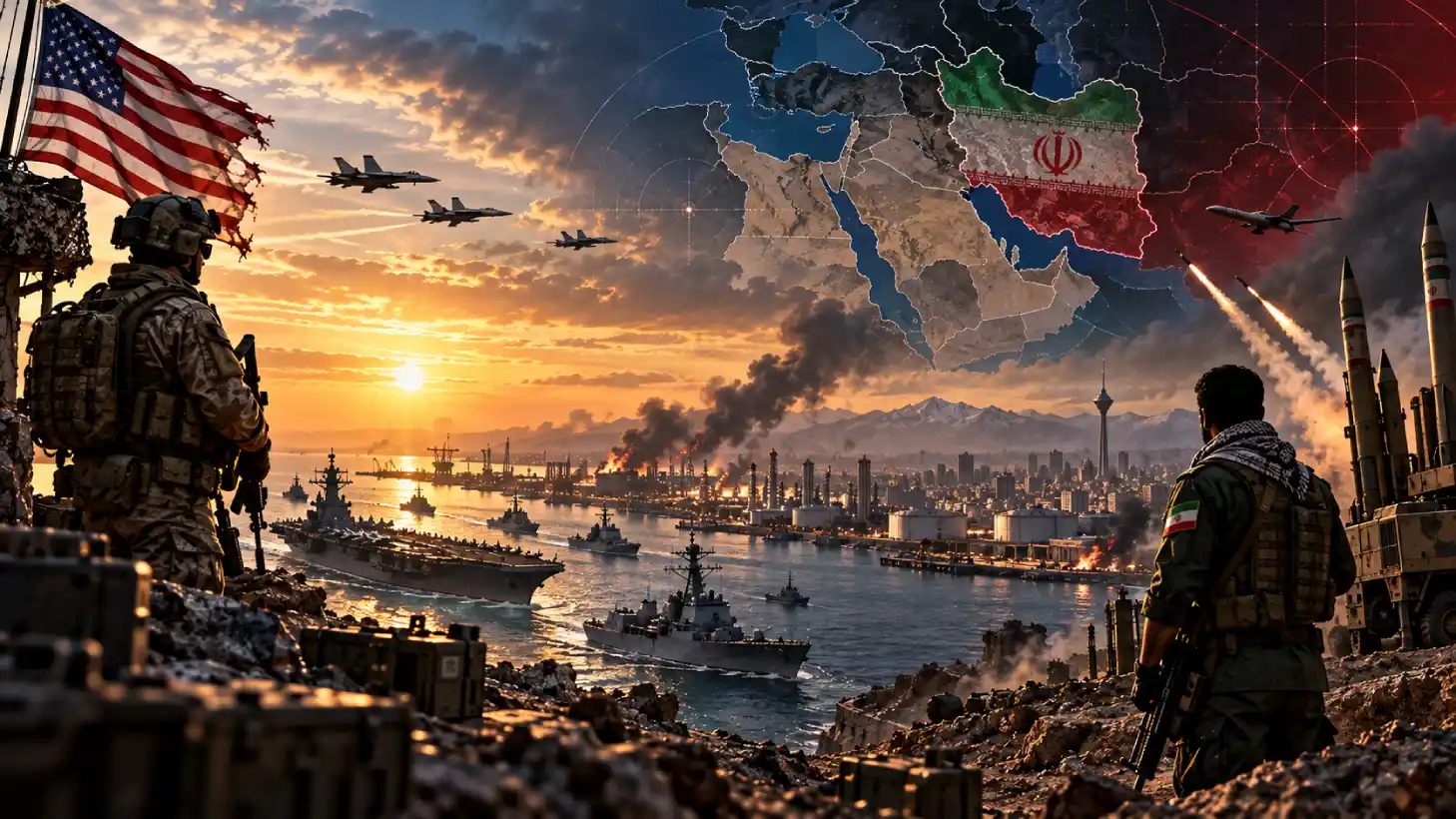
Explore the U.S.–Iran War through Uncrowned Armory's collection of conflict resources, historical guides, military analysis, and fact-checking. From decades of tensions between the United States and Iran to the outbreak of direct military conflict, these resources examine the war's origins, major military operations, regional involvement, international responses, diplomatic negotiations, and humanitarian consequences. Discover detailed timelines, explanations of major events, military capabilities, ceasefire efforts, and assessments of disputed claims to better understand the conflict, its impact on the Middle East and global security, and the challenges of distinguishing verified information from misinformation.No records here yet
-