




-
TL;DR: Ukraine executed a bold drone attack on Russia's Black Sea Fleet, sinking the missile corvette Ivanovets stationed in occupied Crimea. Multiple kamikaze drones directly hit the ship, detonating its arsenal of deadly anti-ship missiles and dooming the vessel. This devastating strike represents Ukraine's most significant naval attack against Russia in months.
Destruction of Russian Missile Corvette
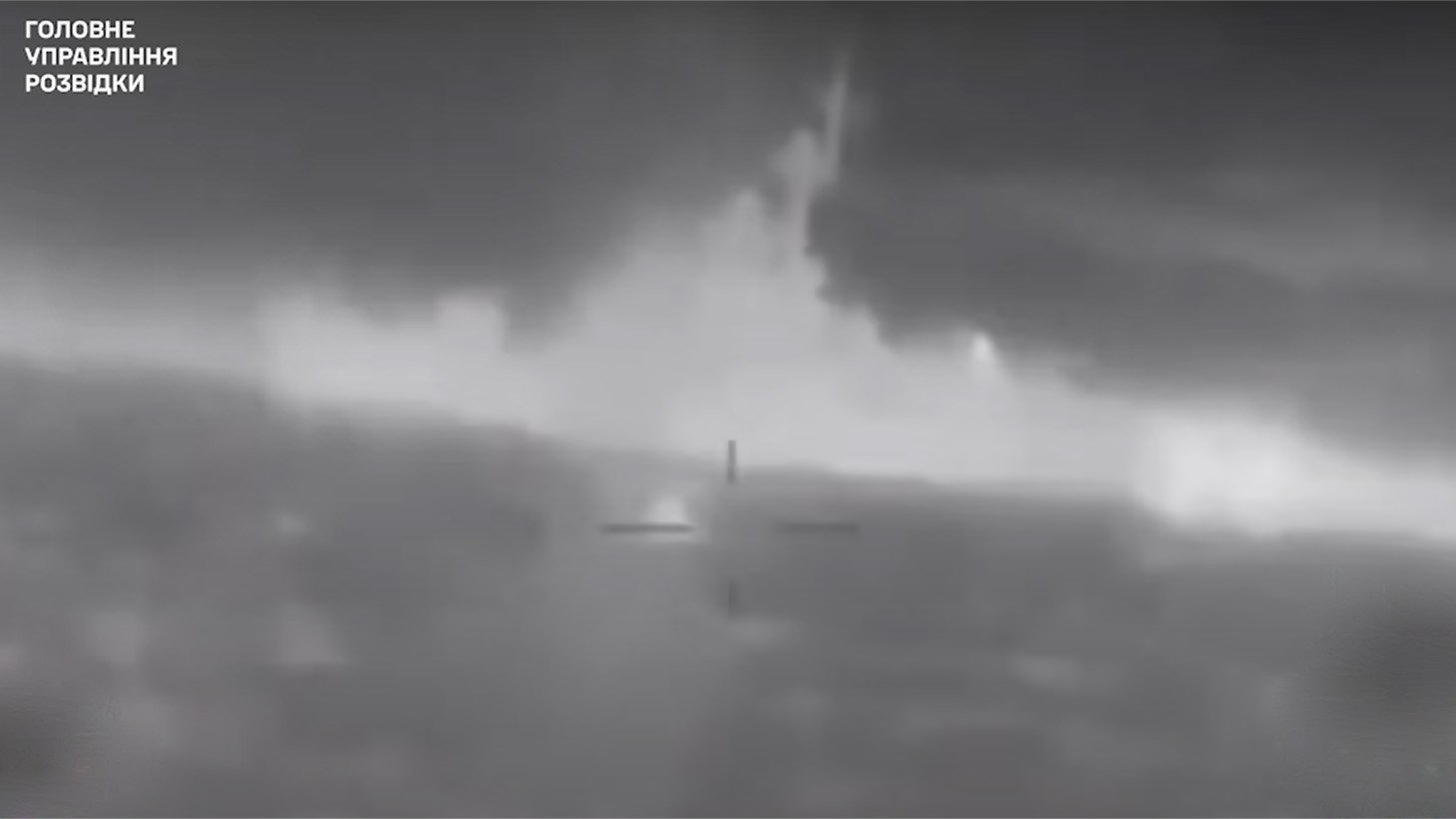
Ukraine has struck a major blow against Russia's Black Sea Fleet, sinking the missile corvette Ivanovets in a daring drone attack. Ukraine's military intelligence agency released footage showing the Russian Tarantul-III class ship exploding massively and sinking while docked at the Donuzlav Lake base in occupied Crimea.
Multiple Kamikaze Drone Hits
According to Ukraine's Defense Intelligence Directorate (GUR), the attack was carried out using multiple kamikaze drone boats loaded with explosives. The drones directly struck the hull of the Ivanovets, causing catastrophic damage. One drone reportedly hit near the ship's deadly P-270 Moskit anti-ship missiles.
Massive Detonations Doomed Vessel
The massive detonations from the drones and explosion of the ship's own missiles sealed the fate of the Ivanovets. Each P-270 Moskit missile weighs around 4 tons fully fueled and armed. Such a large blast at close range left the vessel no chance of surviving the strikes.
Largest Naval Attack in Months
This audacious Ukrainian drone attack represents the most significant strike against the Russian navy in months. The sinking of the Ivanovets corvette delivers a major blow to Russia's Black Sea capabilities amid its stalled invasion of Ukraine. The daring raid demonstrated Ukraine's resolve and innovative asymmetric tactics for countering Russia's naval forces.
Recommended Comments